
LIVE WORLD MAP

Somewhere in the skies,
someone is flying, right now.

Online players
0
In flight
0LIVE
TRAFFIC

Virtual airlines have never been this real.
Join us and be part of the ever growing community.

Your record of service

Rank, hours, airmanship and the aircraft you are rated on, in one place. Create your pairing token once and every sector you fly writes itself in — nobody types up their own logbook here.
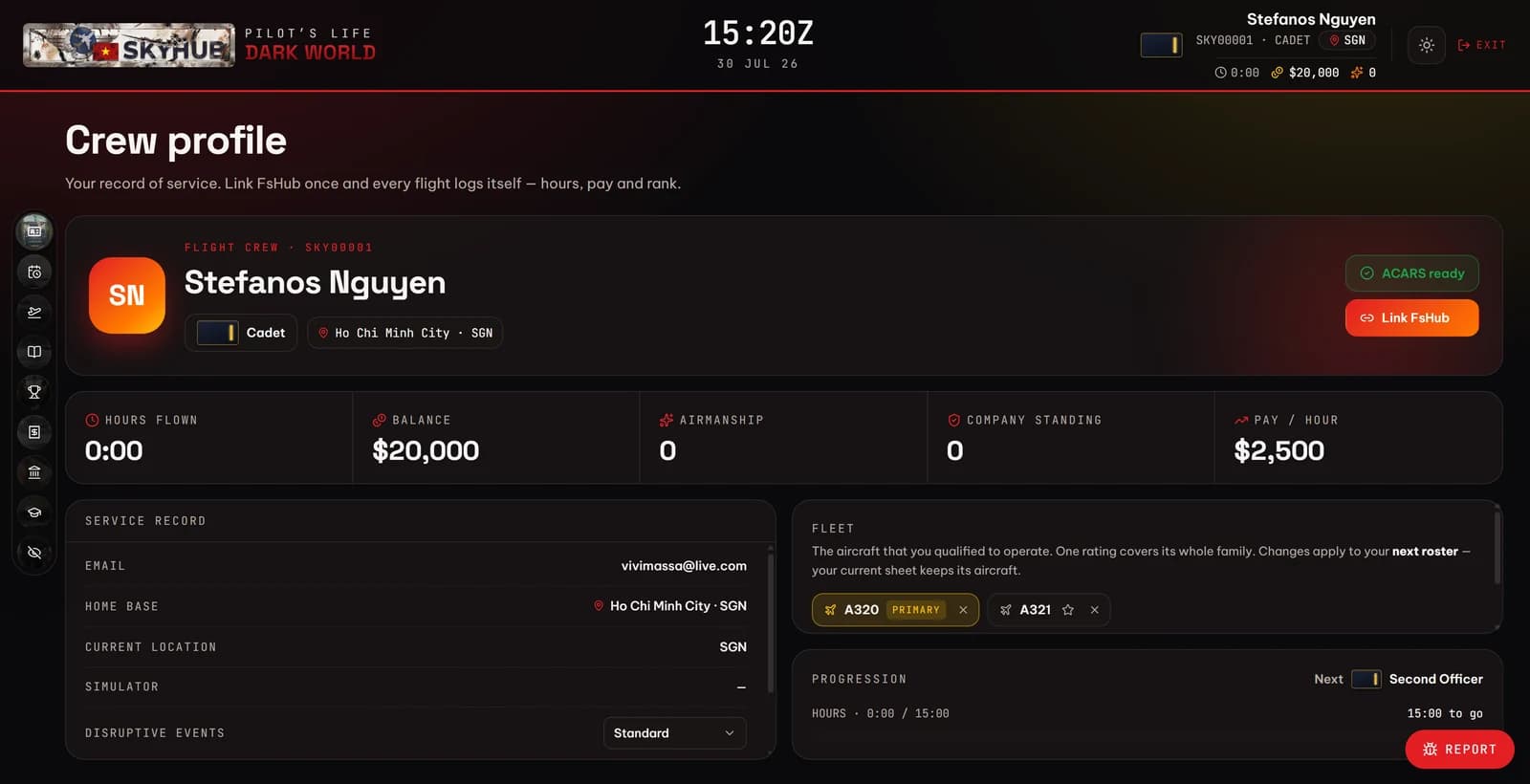
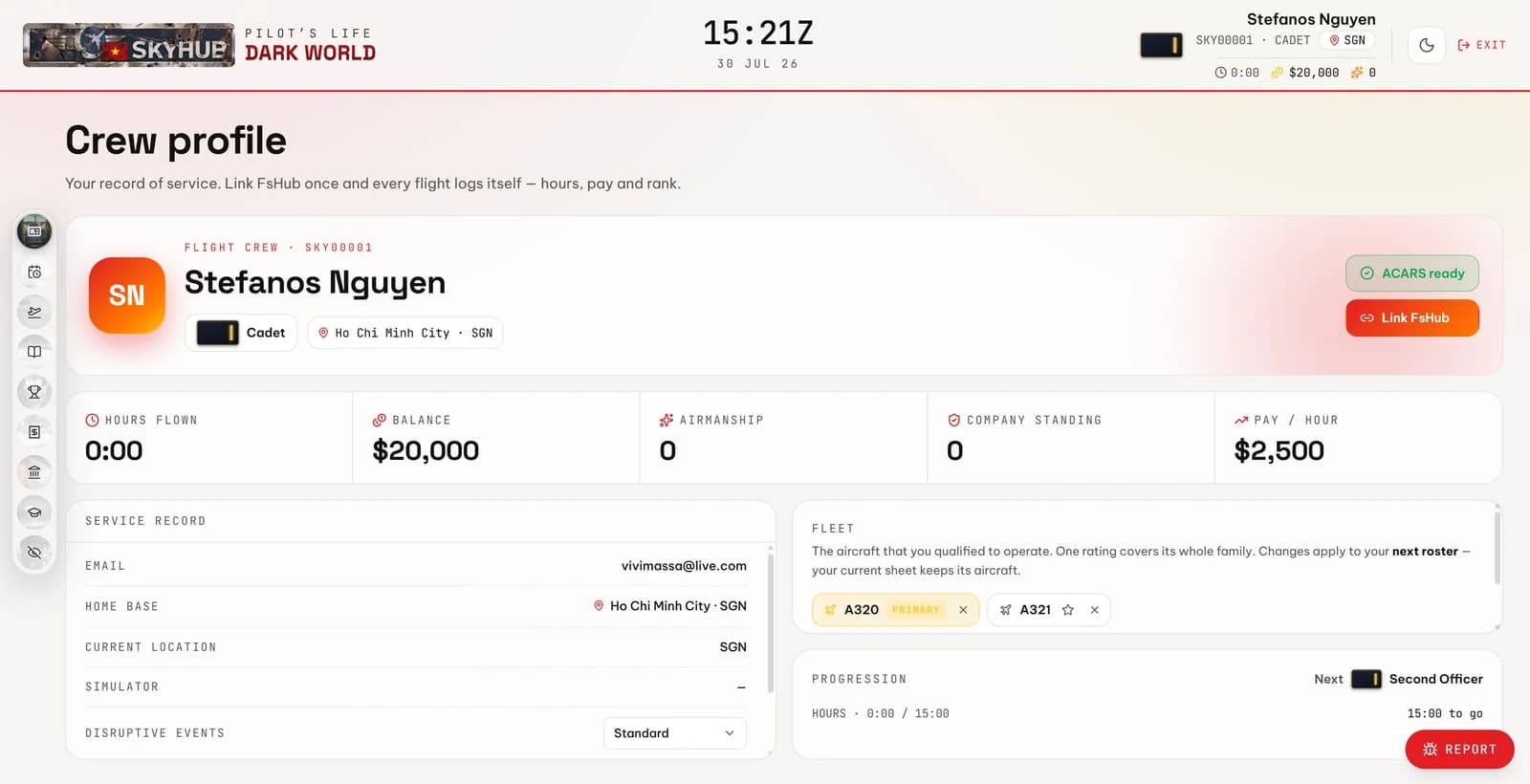
The crew profile in the SkyHub portal — rank, hours flown, balance and fleet ratingsThe crew profile in the SkyHub portal — rank, hours flown, balance and fleet ratings
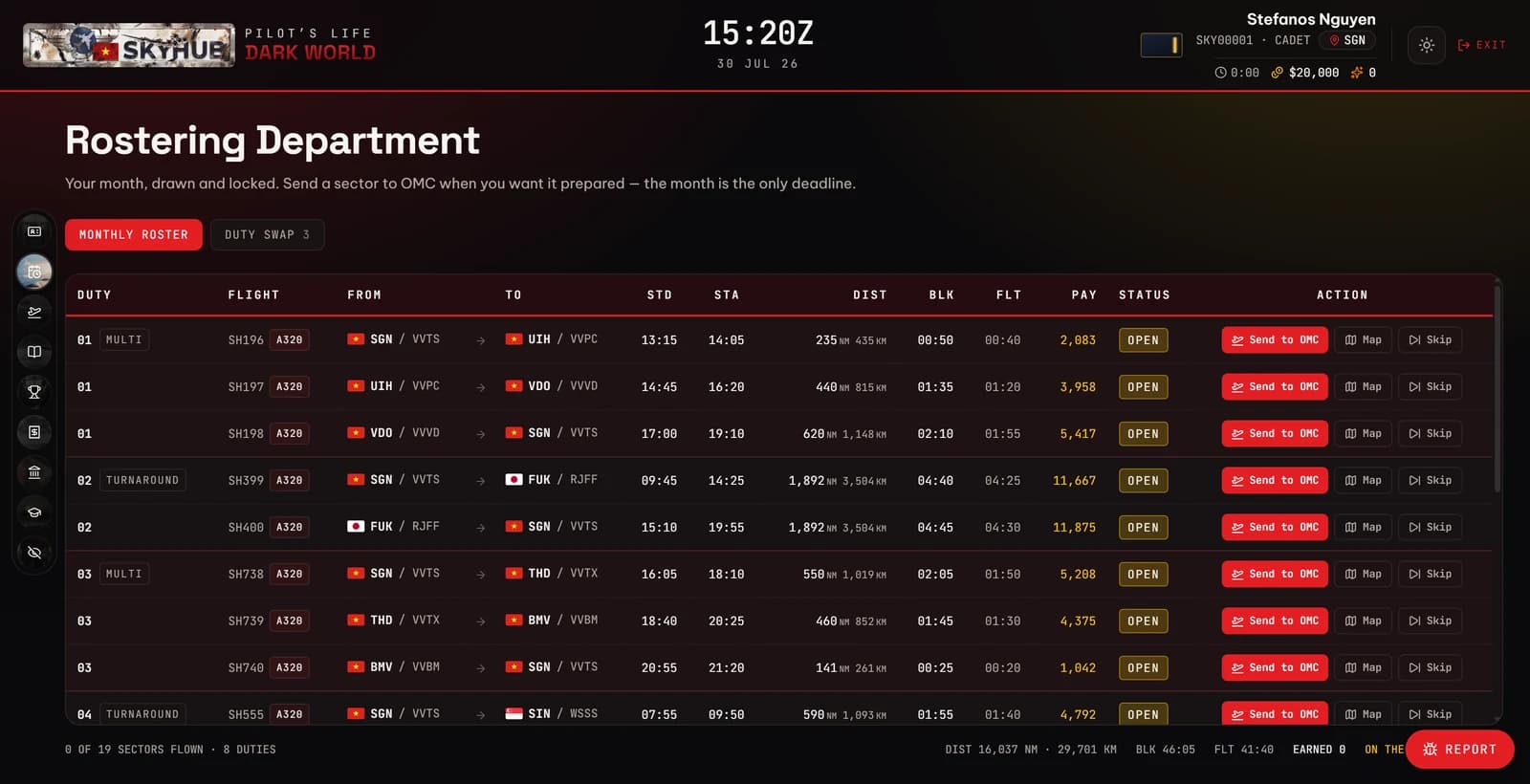
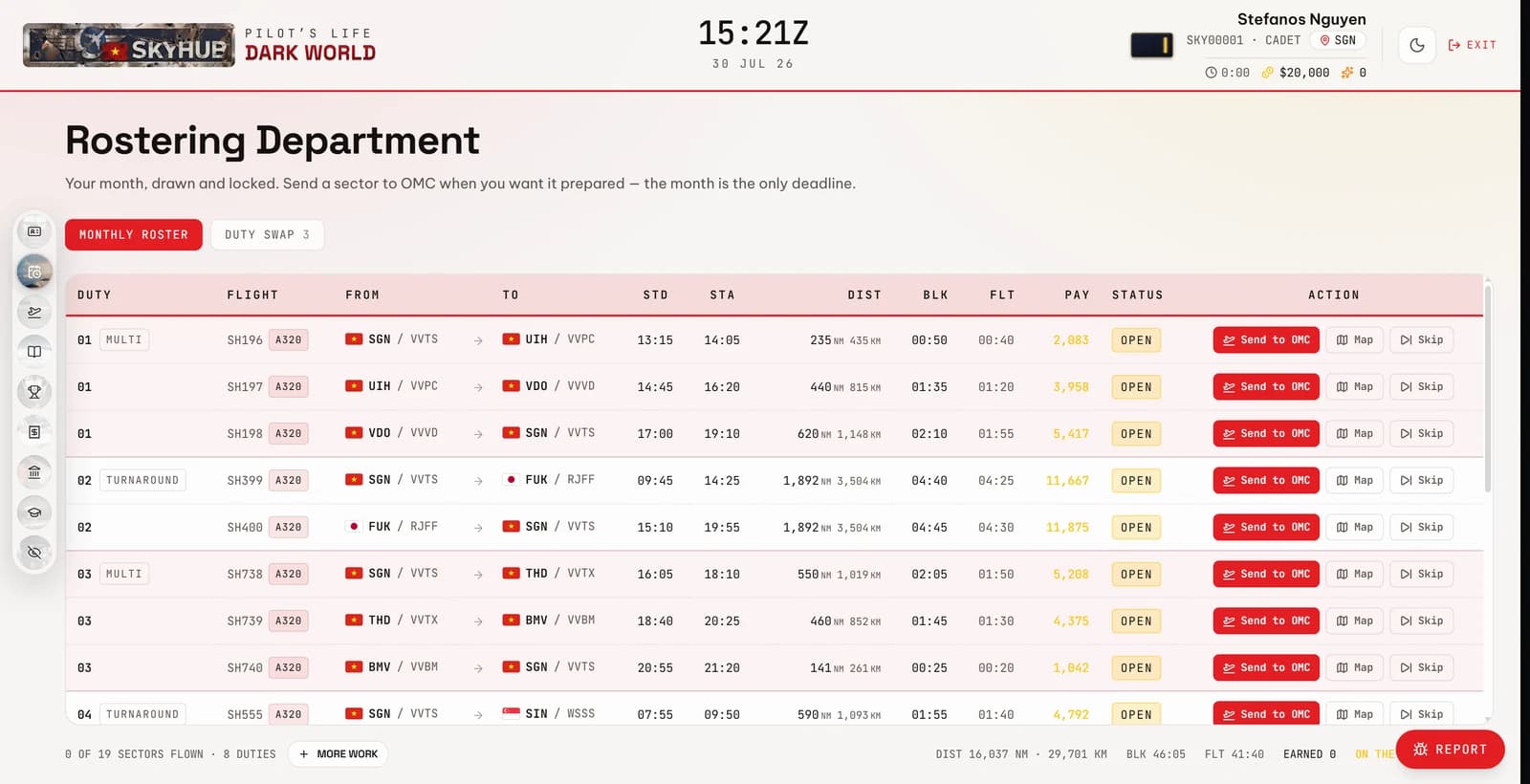
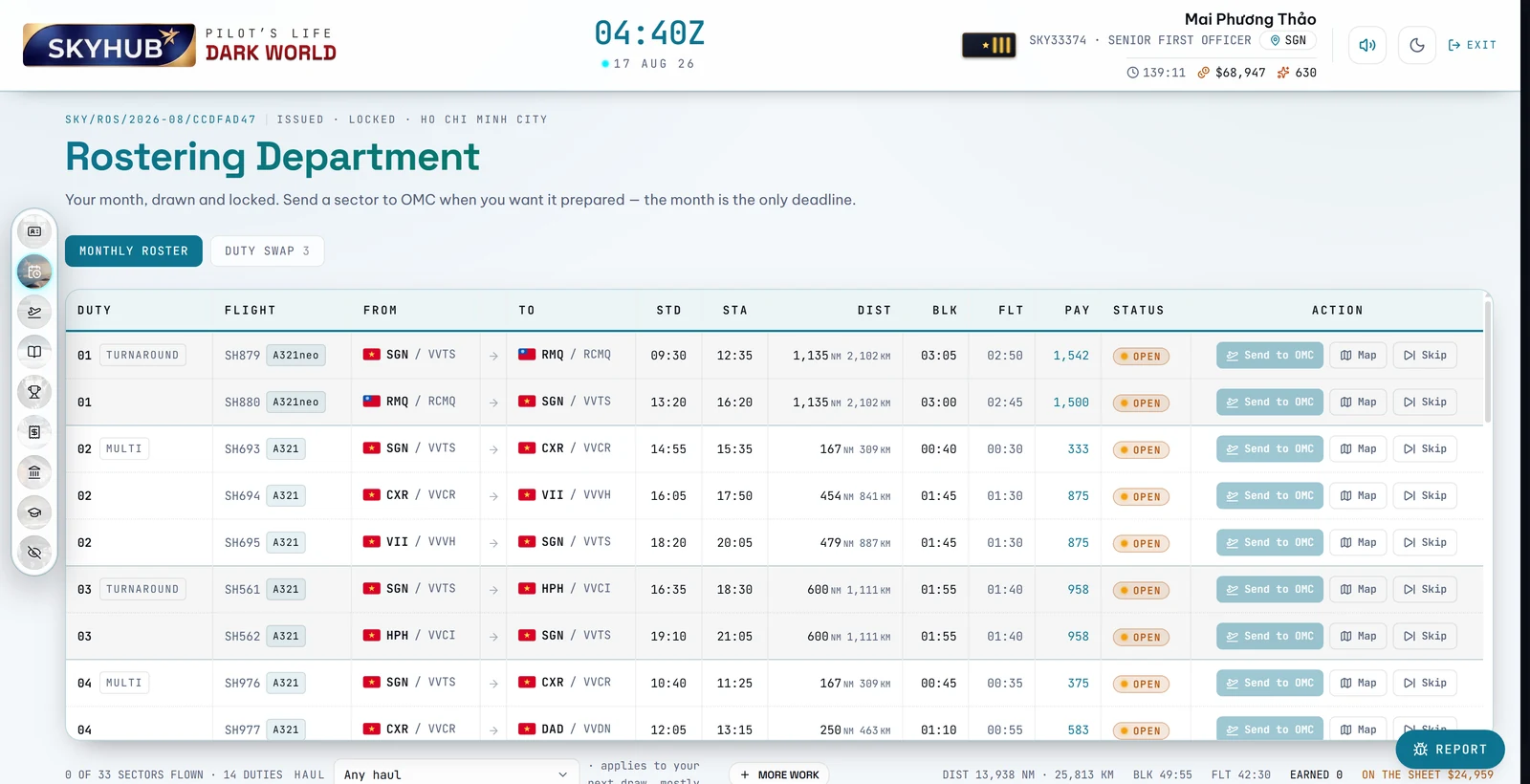
The Rostering Department — a monthly roster of duties, sectors, block times and payThe Rostering Department — a monthly roster of duties, sectors, block times and pay
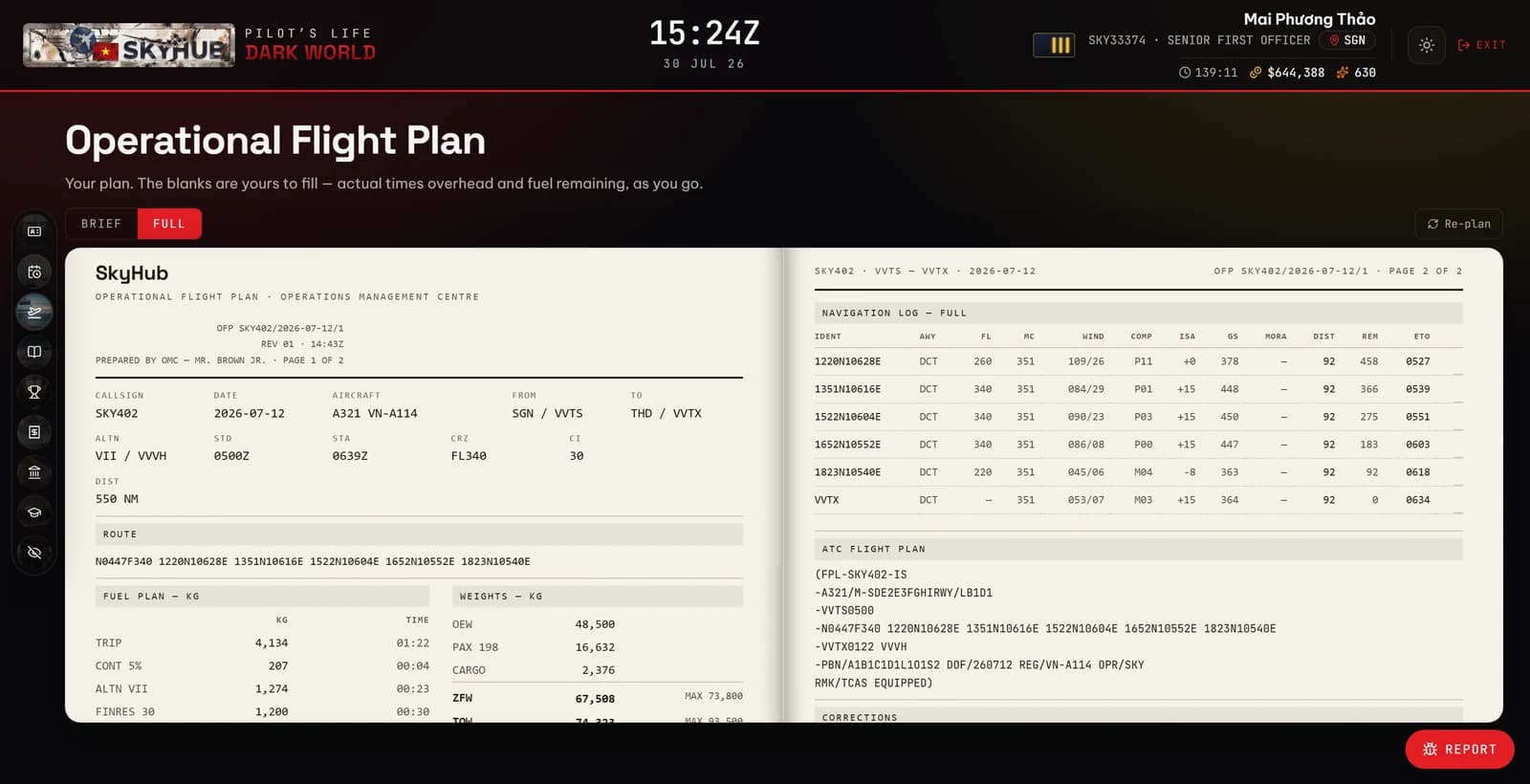
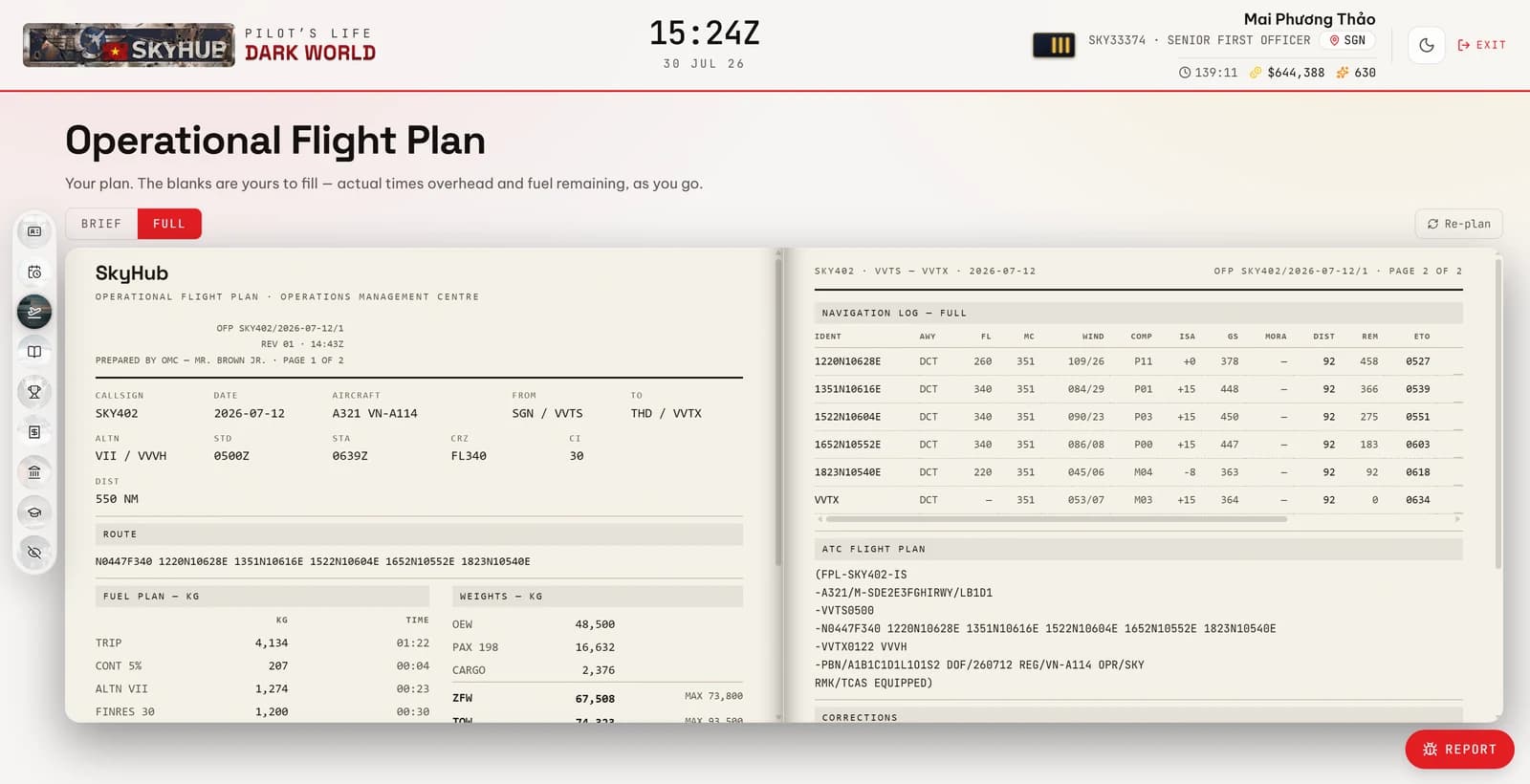
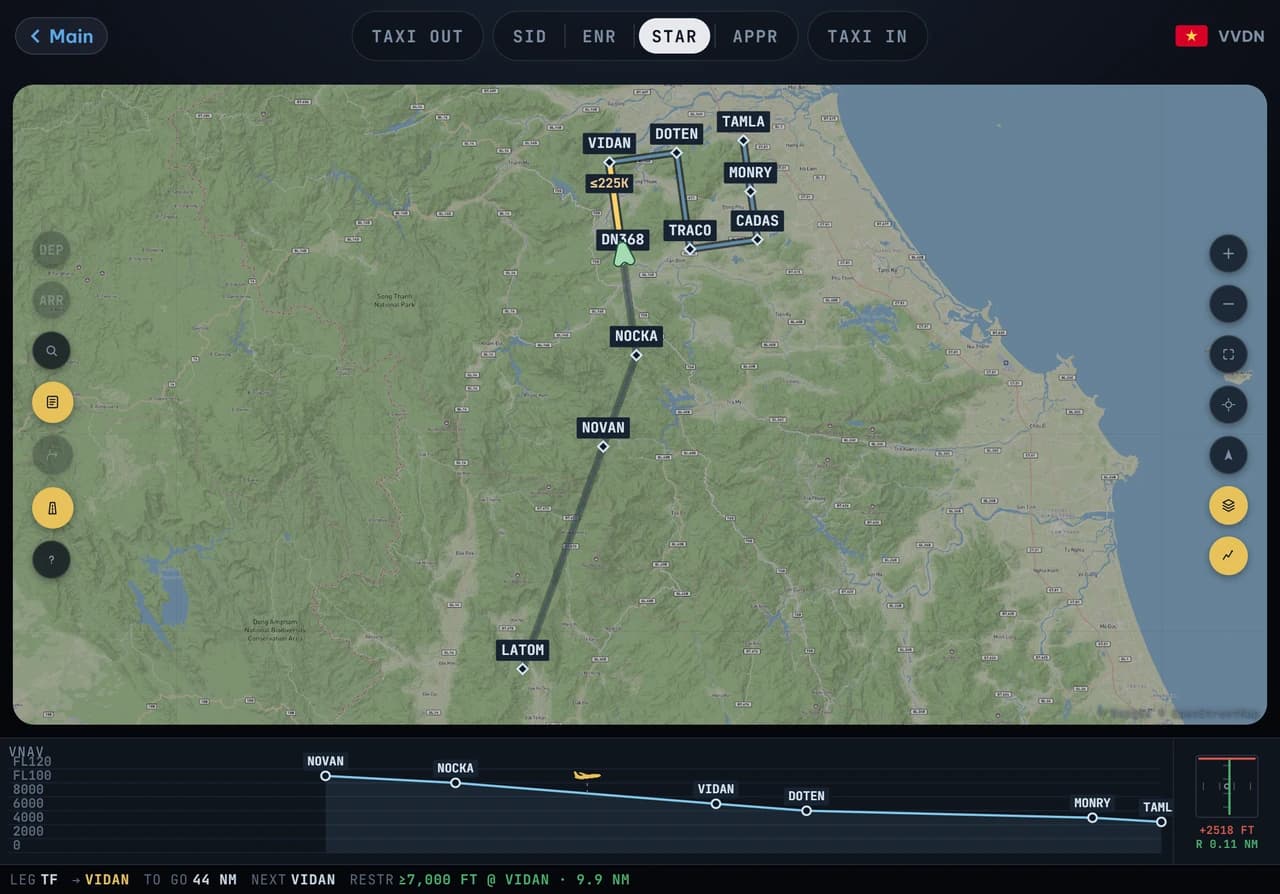
An operational flight plan generated by the Operations Management CentreAn operational flight plan generated by the Operations Management Centre
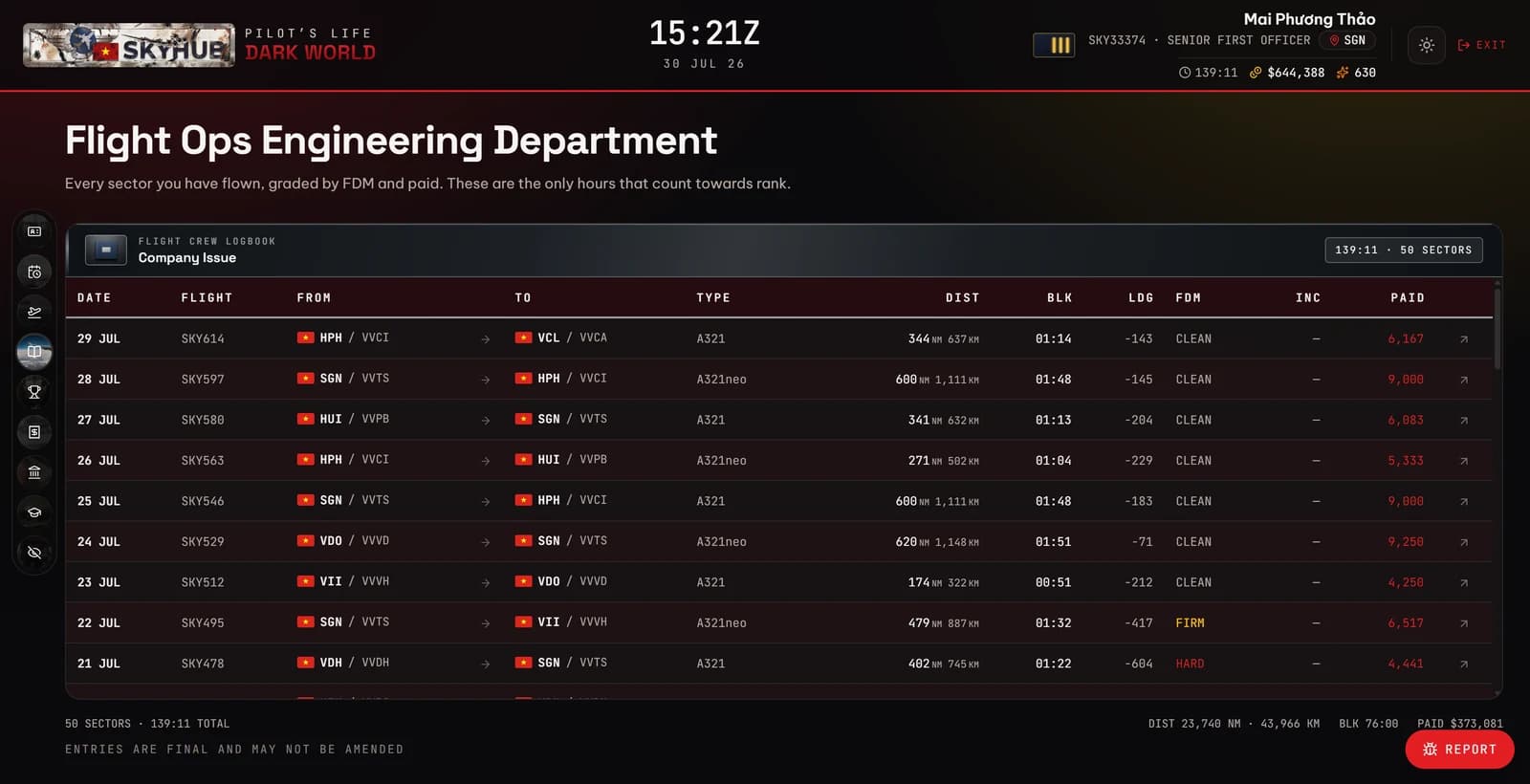
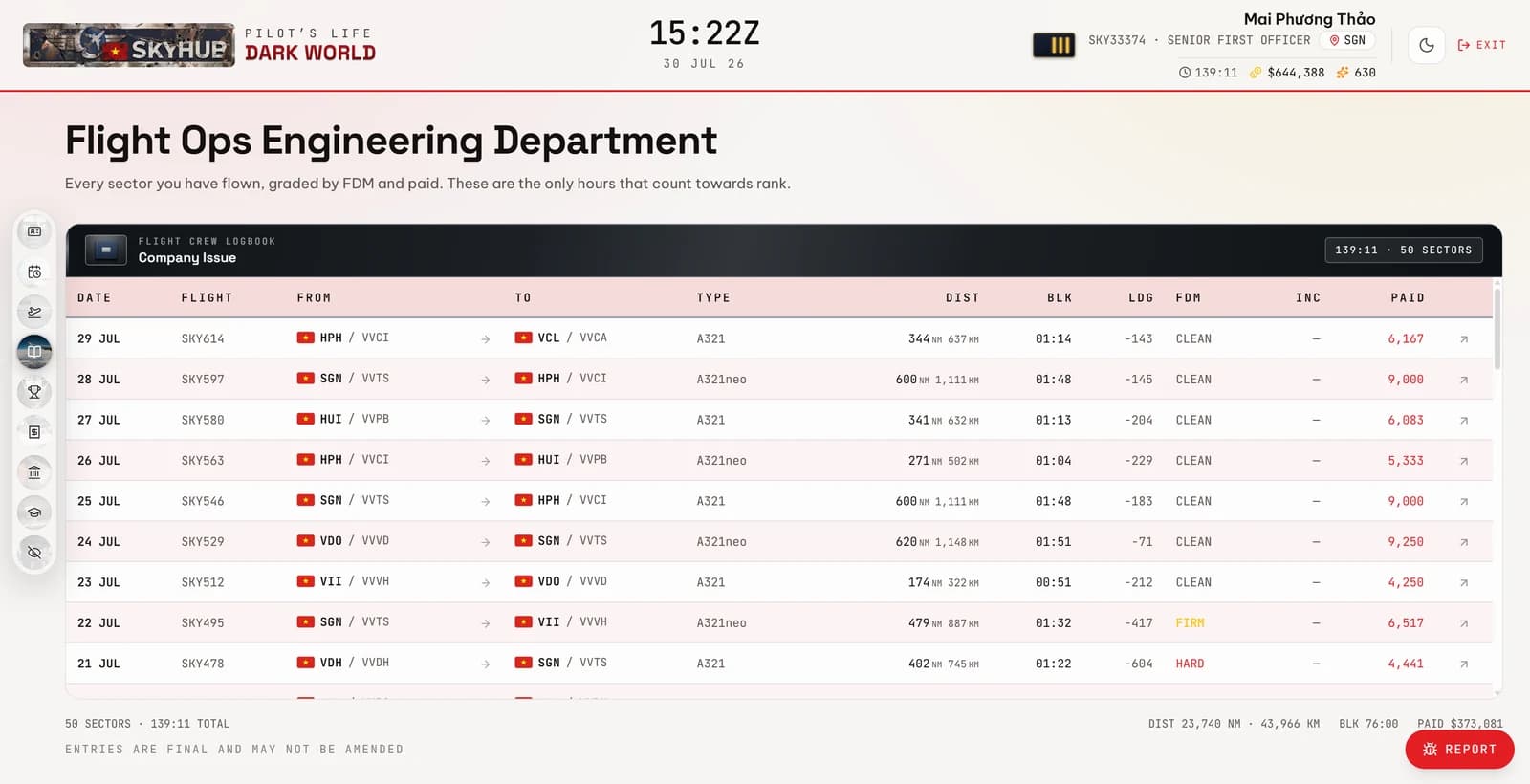
The flight crew logbook — every sector flown, its FDM grade and what it paidThe flight crew logbook — every sector flown, its FDM grade and what it paid
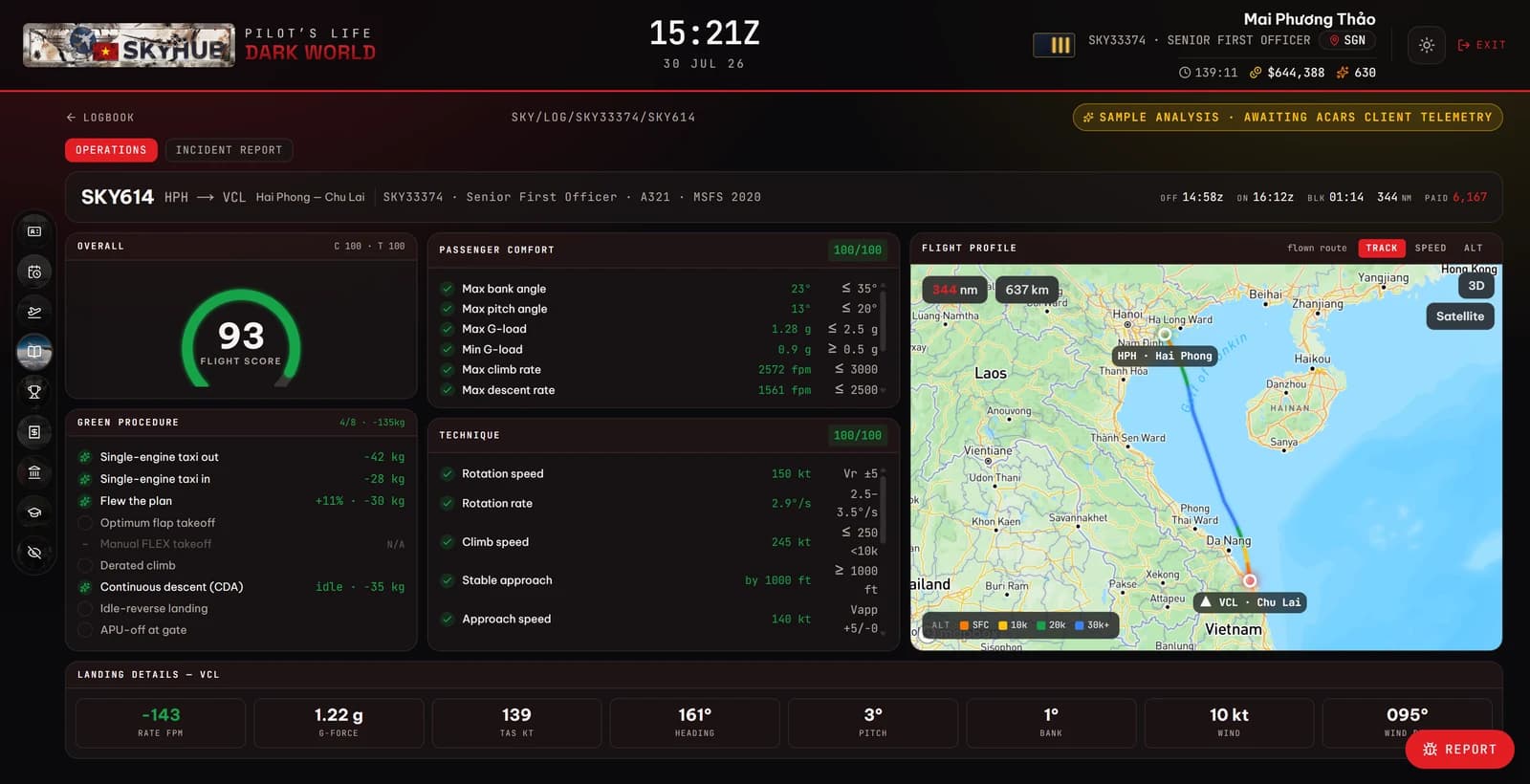
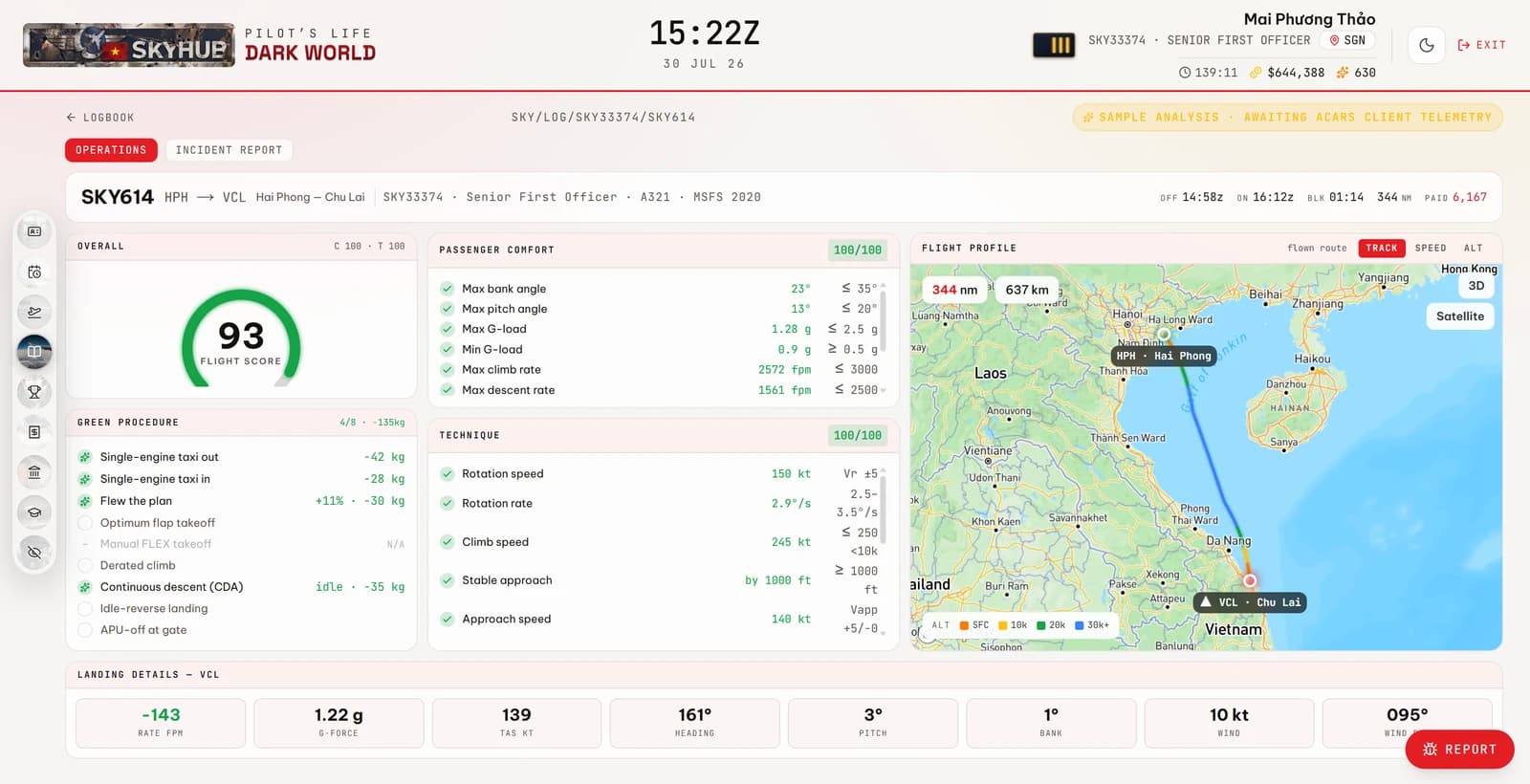
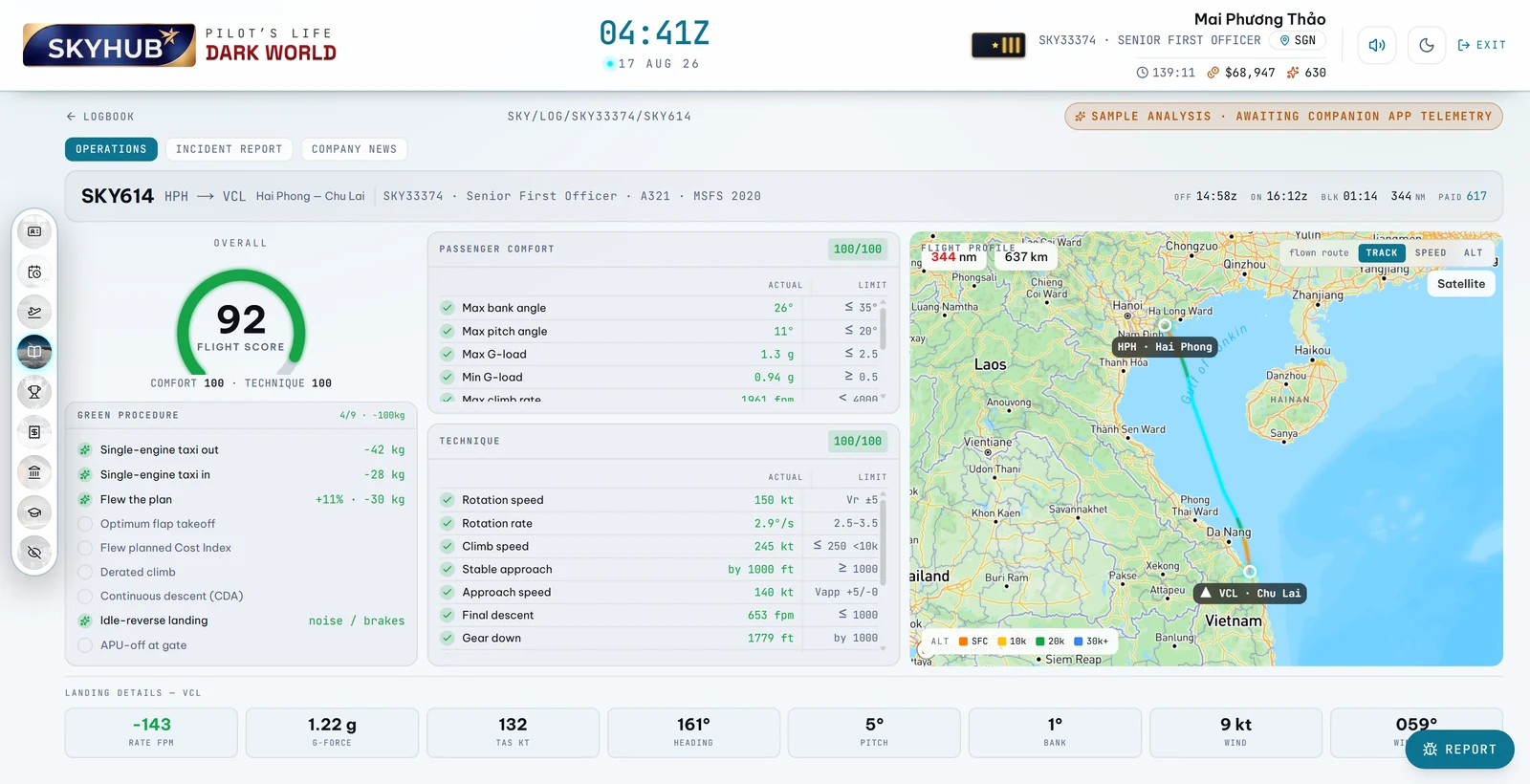
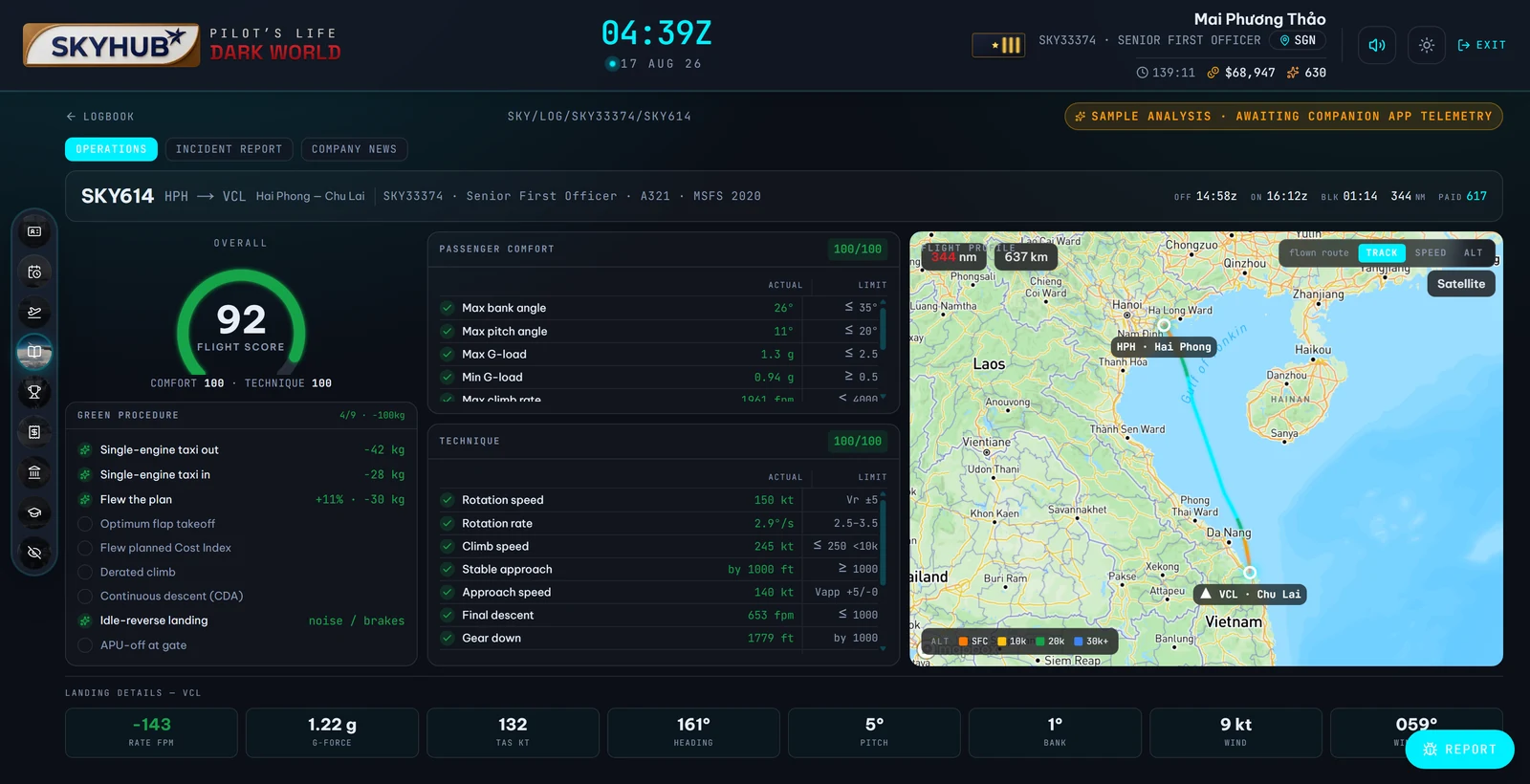
A flight report — flight score, technique and passenger comfort scored against the recorded trackA flight report — flight score, technique and passenger comfort scored against the recorded track
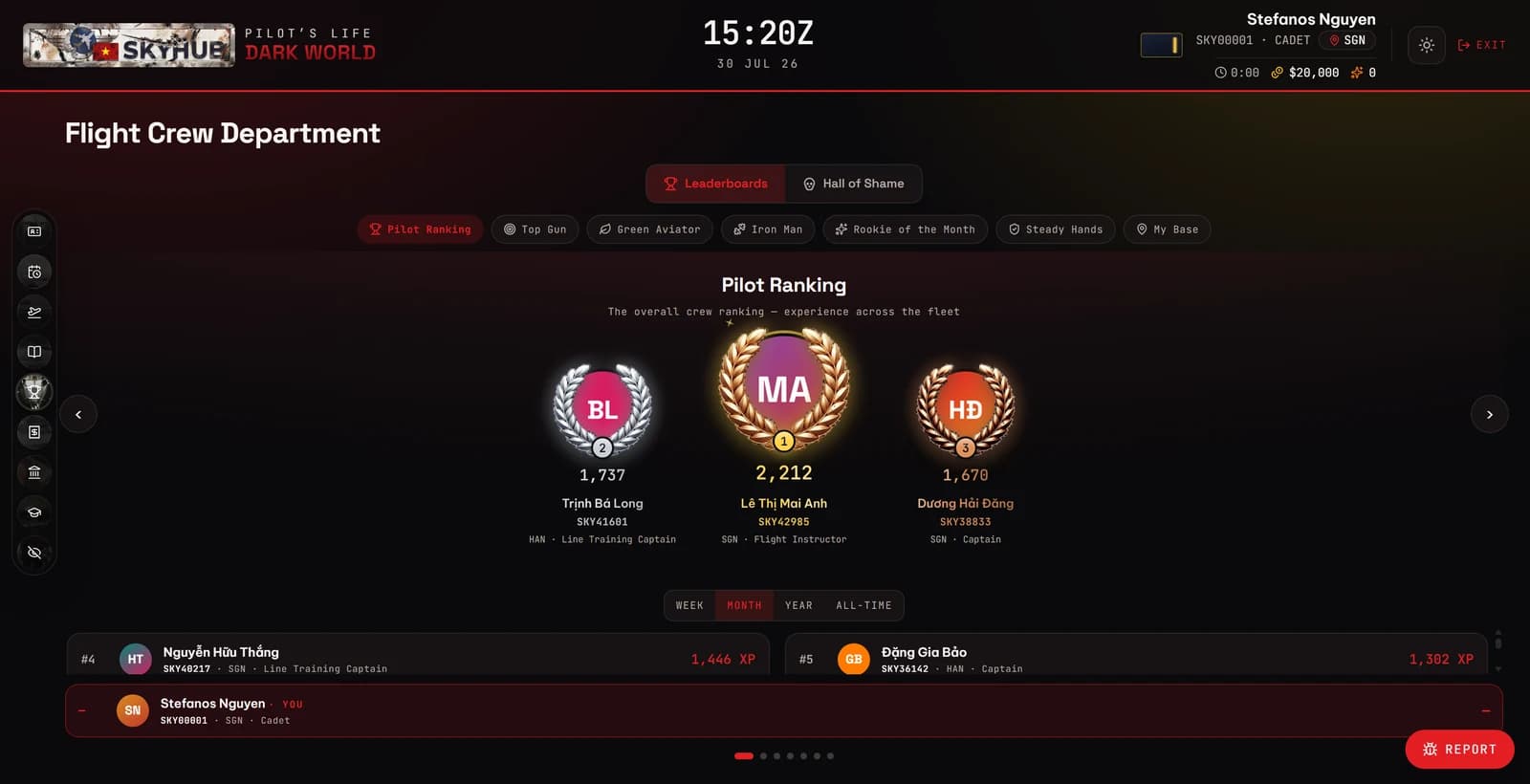
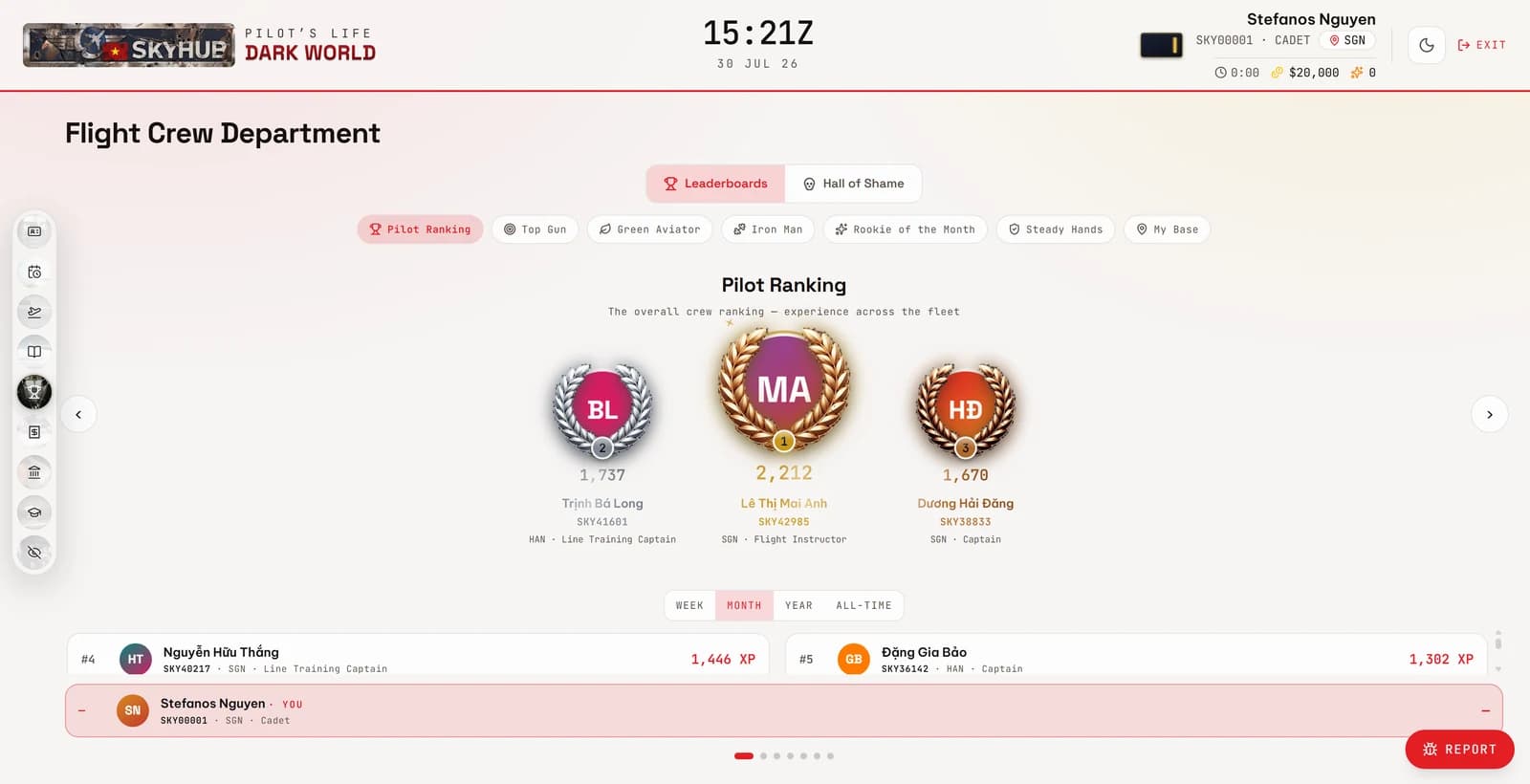
The Flight Crew Department leaderboards — pilot ranking and the boards beside itThe Flight Crew Department leaderboards — pilot ranking and the boards beside it
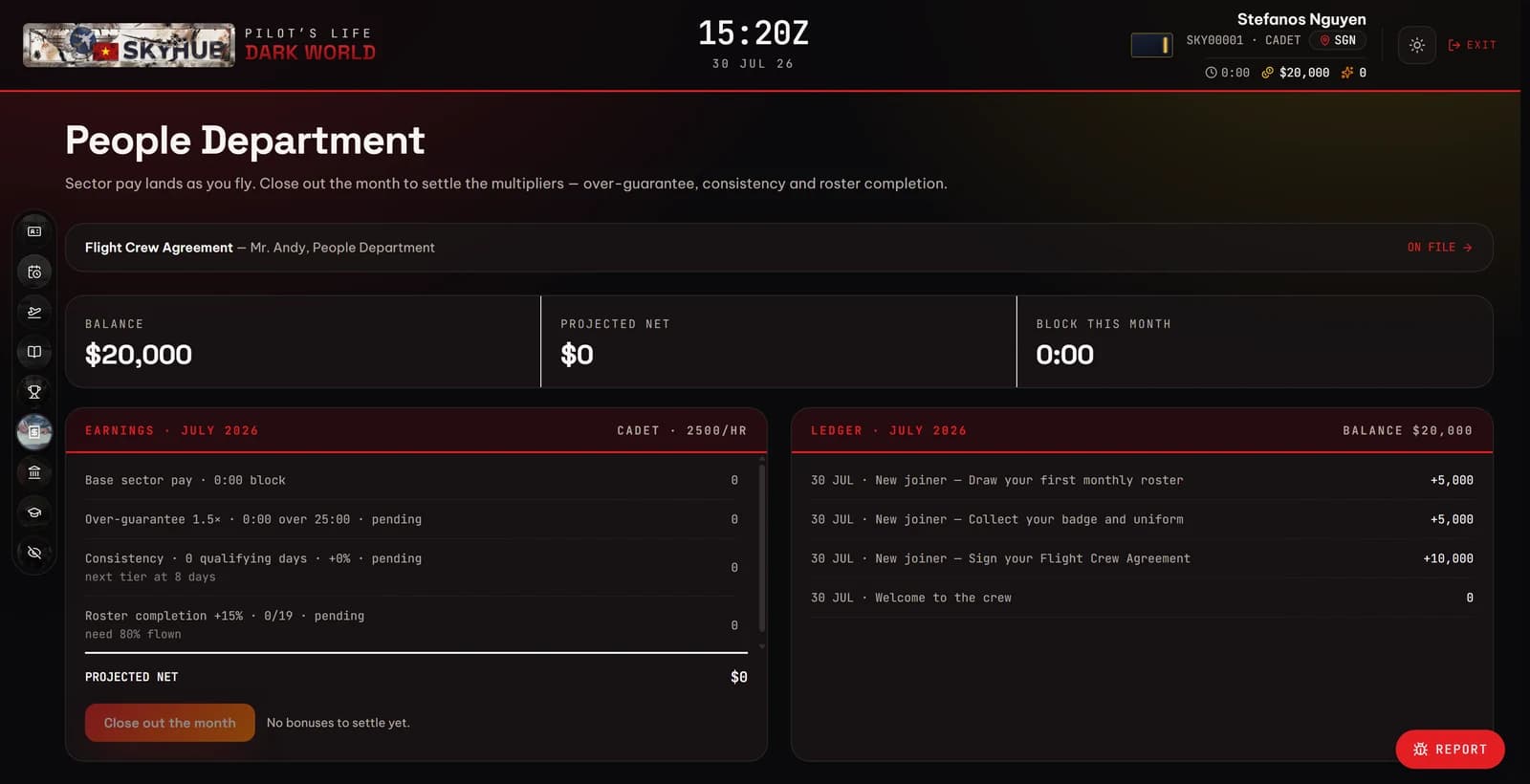
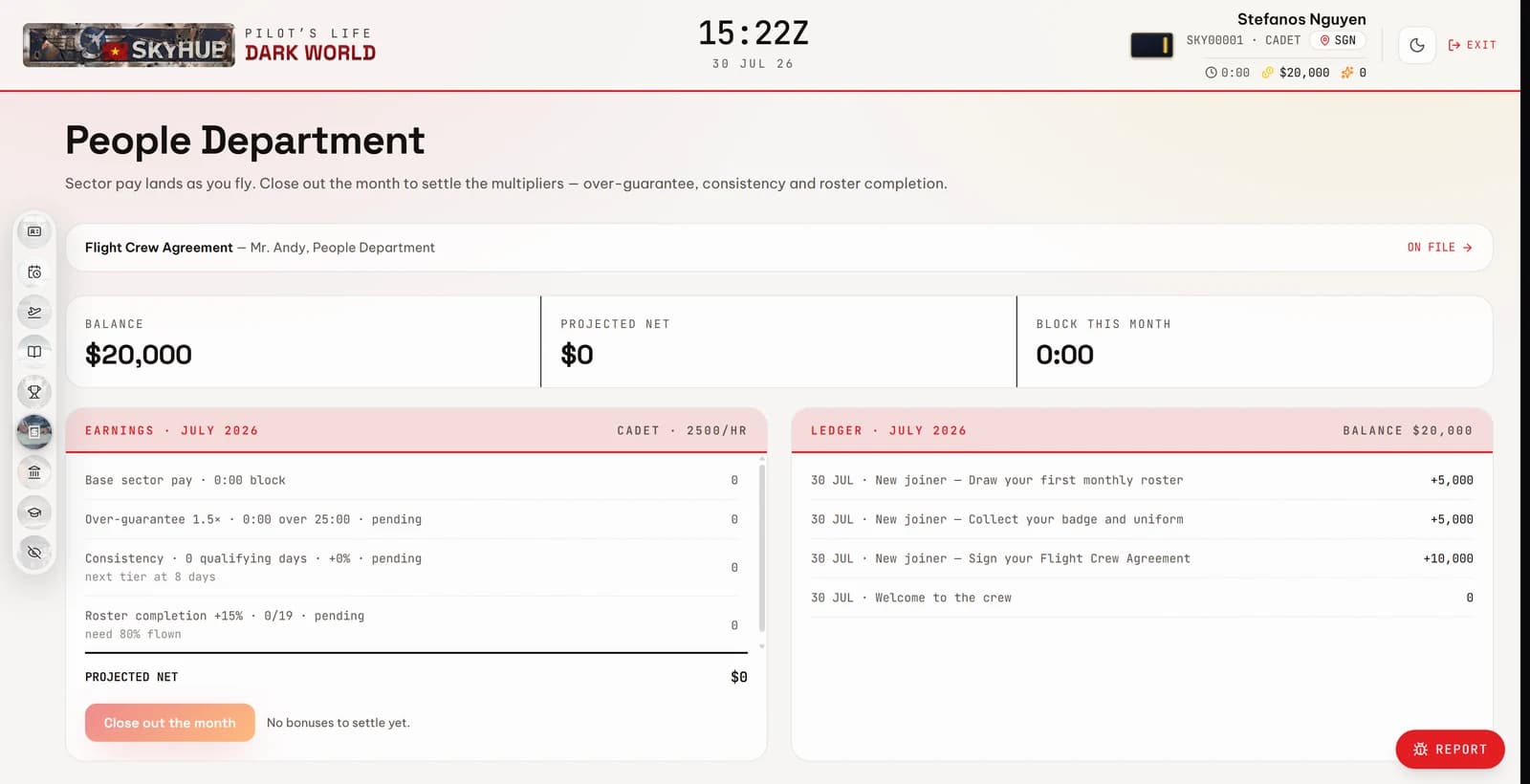
The People Department — earnings for the month and the running ledgerThe People Department — earnings for the month and the running ledger
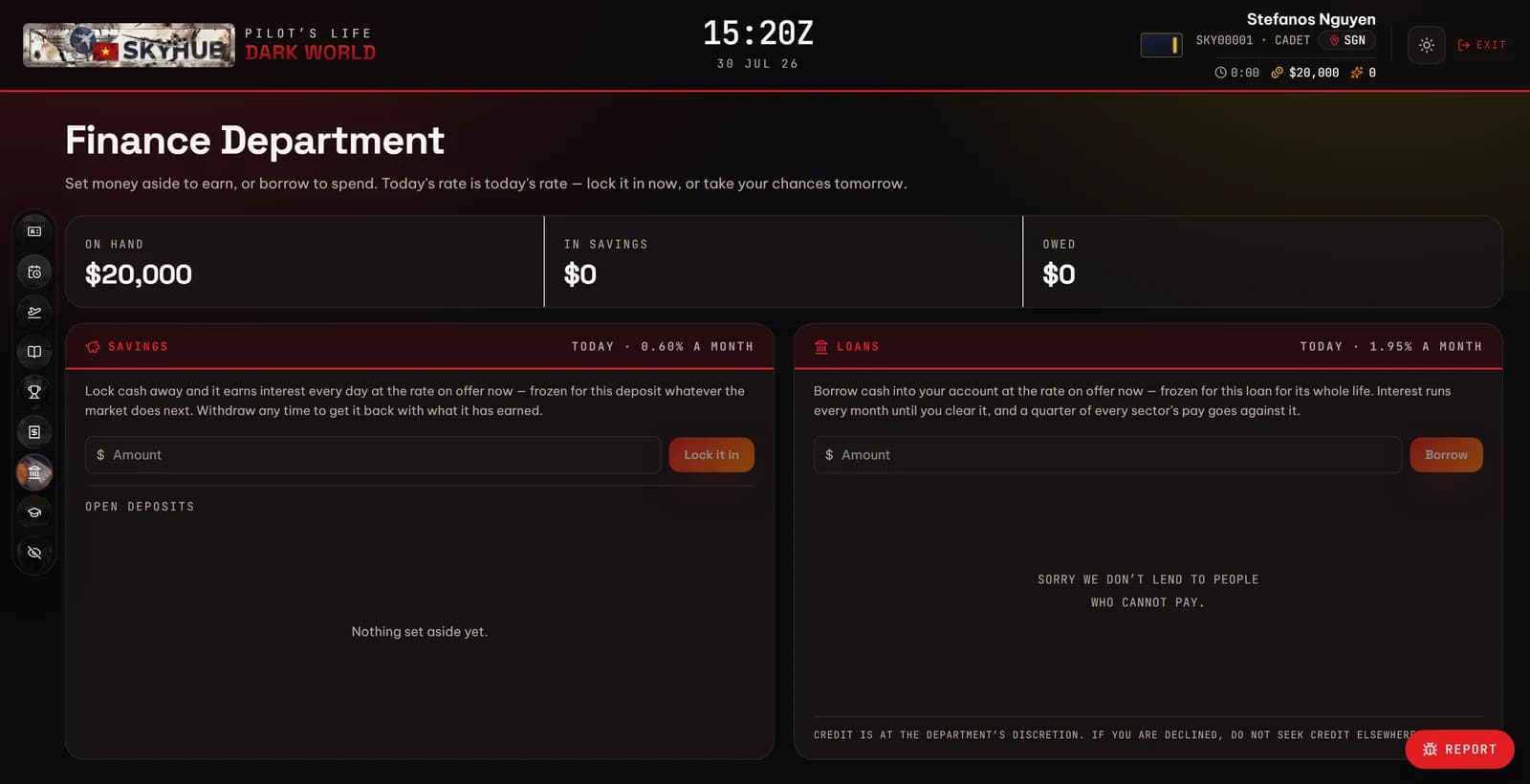
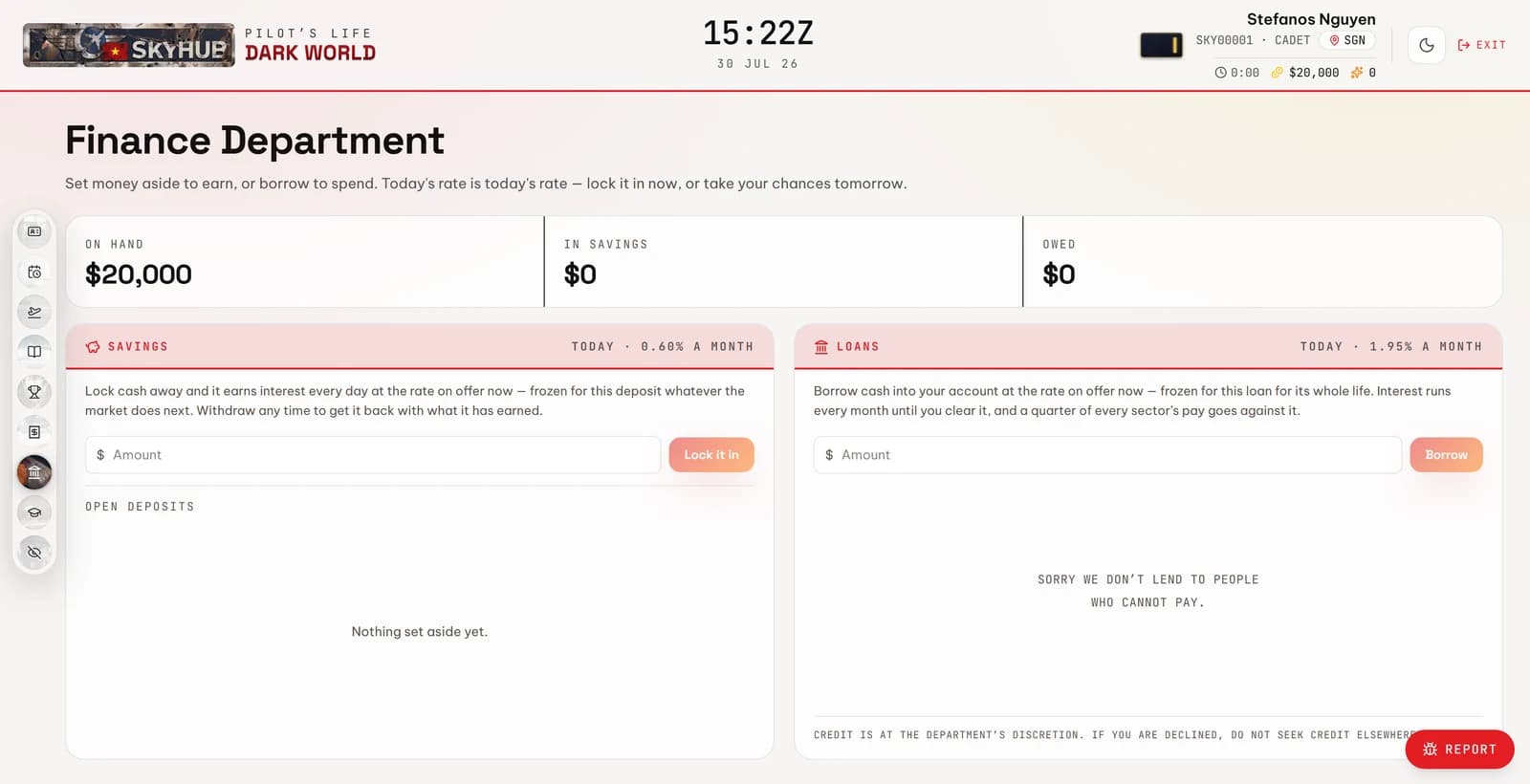
The Finance Department — savings deposits earning daily, and the loan deskThe Finance Department — savings deposits earning daily, and the loan desk
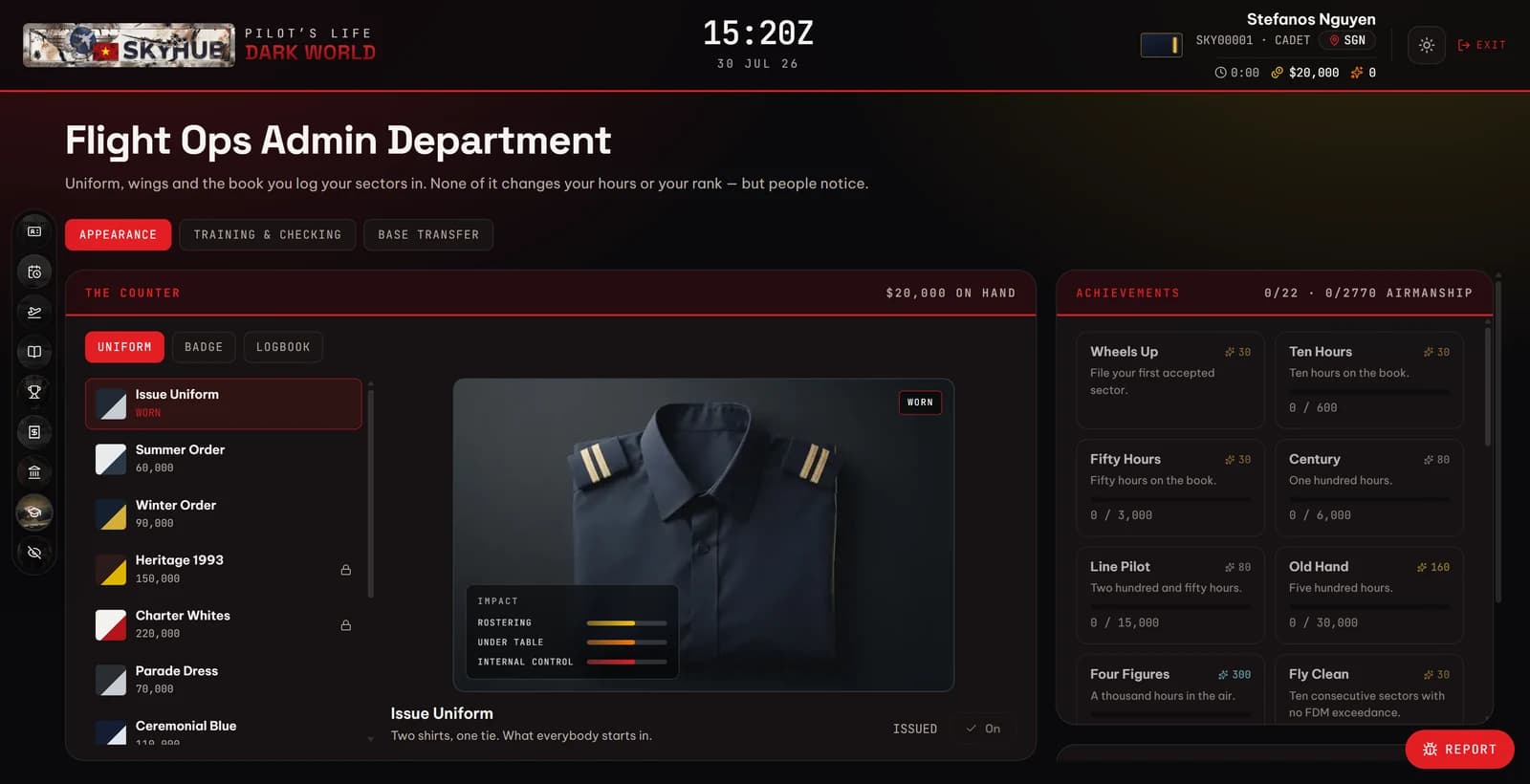
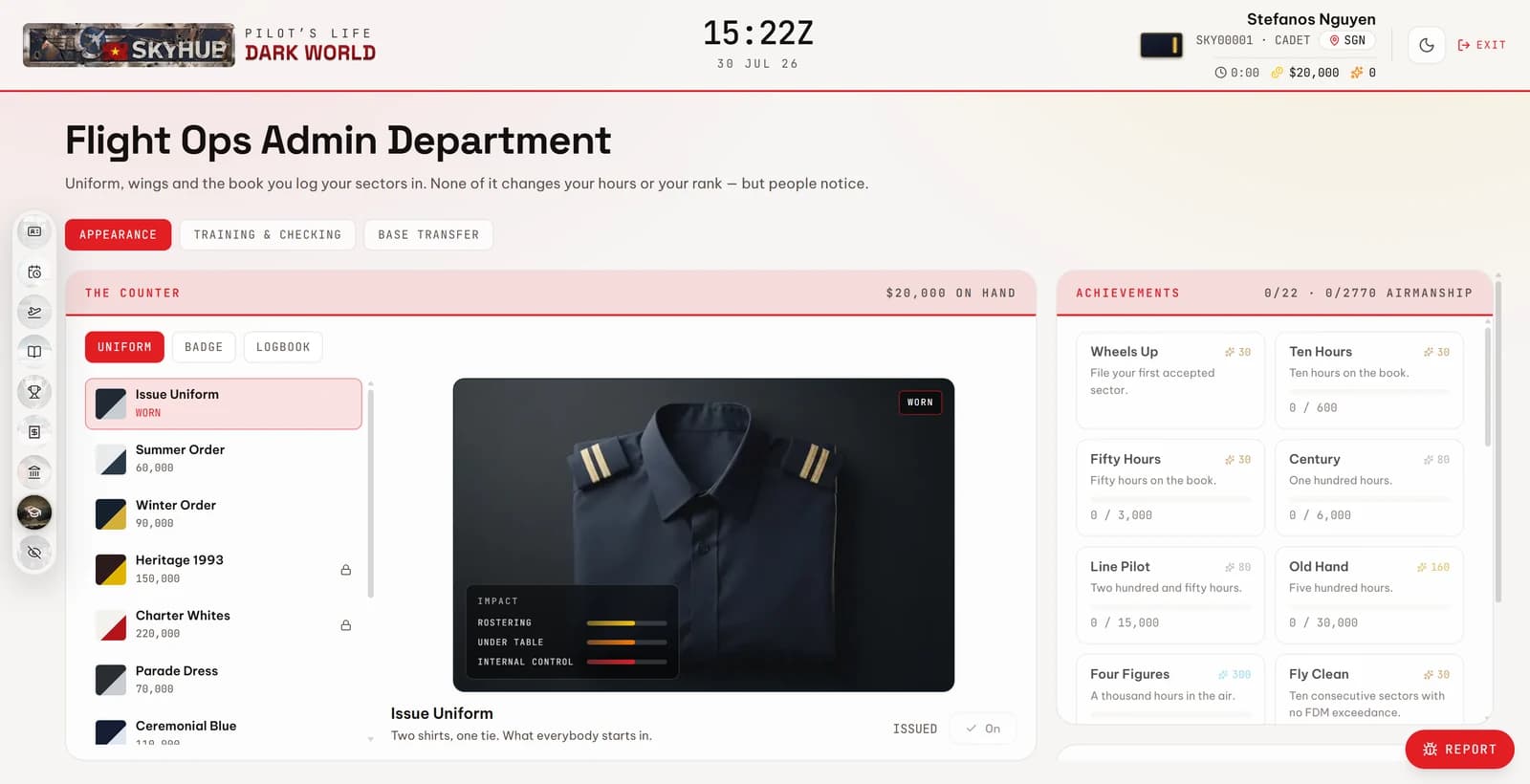
The Flight Ops Admin counter — uniform, badge and logbook, and the achievement boardThe Flight Ops Admin counter — uniform, badge and logbook, and the achievement board
INFLIGHT MANAGEMENT PANEL

Missed FsPassengers? It is back now

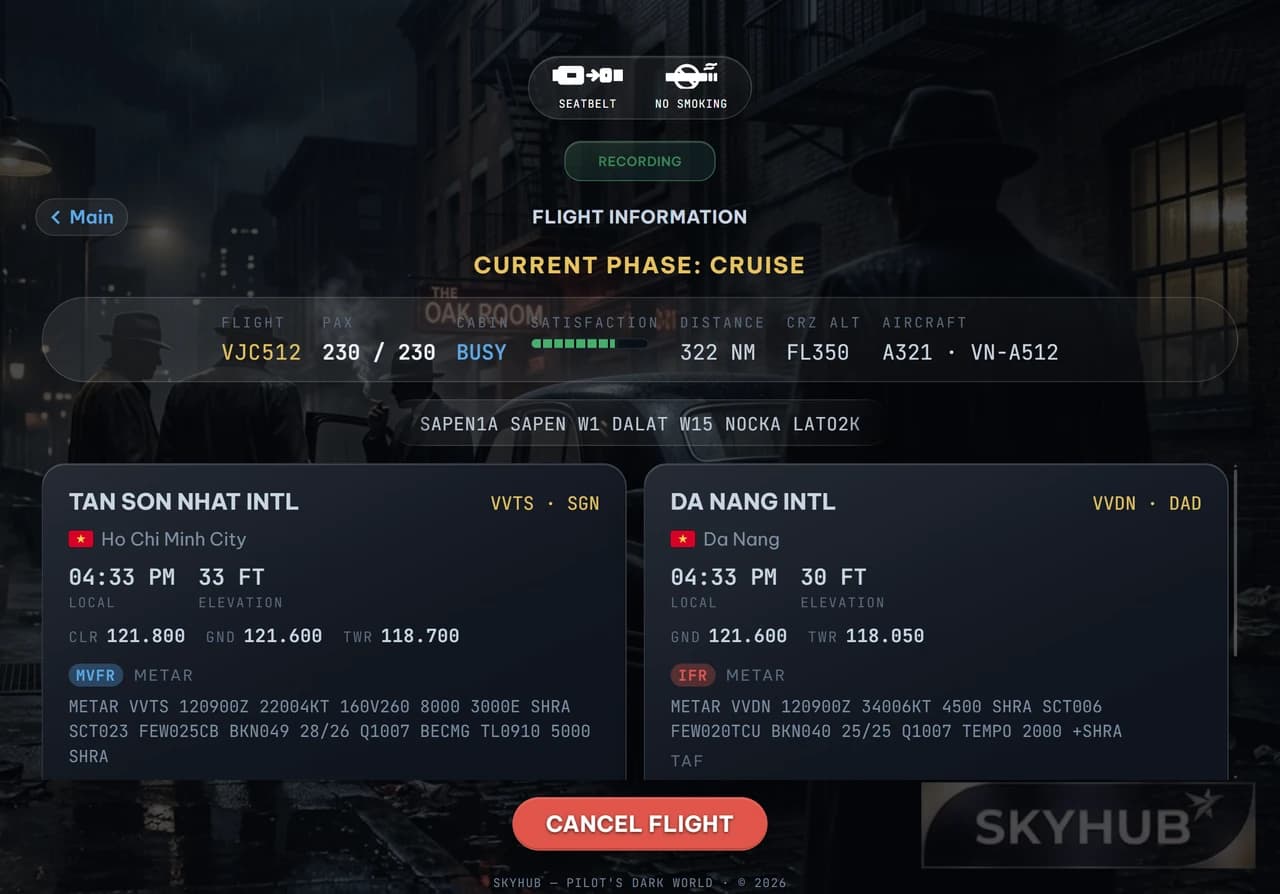
One instrument over your simulator for the whole sector. You are not watching a cabin simulate itself — you are running it, live, while you fly: boarding, the announcements, the service, and a hundred and seventy people forming an opinion about every decision. It does not close when the sector ends, either — the next flight is one press away. Nothing here is connected to anything. Press it.

Boarding. 0 of 174 passengers, 68% satisfaction. Waiting at the gate
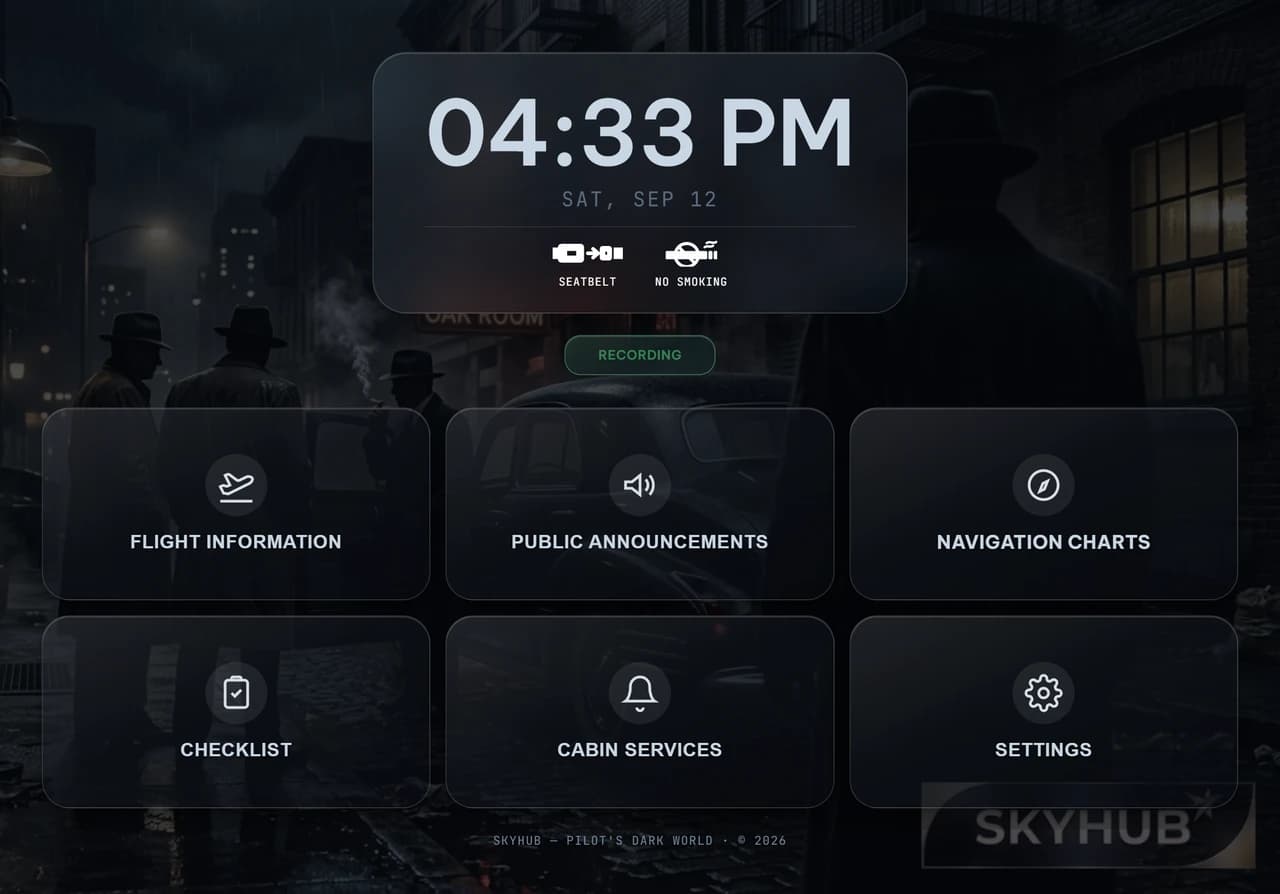
CONSOLE SETTINGS
LANGUAGE PACKpre-boarding only
DISRUPTIVE EVENTShow often things go wrong
PA VOLUME
80%
MUSIC VOLUME
45%
  • The hub is the handset

    The middle of the wheel is the PA — the one key whose job is to be found without looking. Press it and the announcement strip opens over the console.

  • Announcements, across the top

    General, divert, brace, evacuate. The two you cannot take back ask you to confirm first — because on the day, somebody would. A divert is a fork rather than a turn: the key says there was another way.

  • Cabin services, along the bottom

    Hot meal, snack and drinks each sweep their own arc of the rim as the carts work, and the satisfaction meter moves with them. Beside them sit the trolley, the boarding music and the handset to the crew. All of it locks below ten thousand feet, in both directions.

  • The signs are quarters of the hub

    Seat belts and no smoking are lit panels, not switches on a list. Raising one takes a little over two seconds of ripple, and the cabin bell rings after the sign is up — the order a real cabin hears it in. Your cockpit switch drives it as readily as the key does.

  • Doors to the left, and they refuse

    Boarding is live on stand and dead everywhere else — above one knot of ground speed the key refuses outright, and says why before you press rather than after. Ending the sector sits opposite, as far from the doors as the wheel allows.

  • It does not close when the sector does

    File the flight and the console stays, with no sector loaded and one key on it: IMPORT OFP. File your next plan and it picks it up — a back-to-back without restarting the client, or anything else. Press End the sector on the wheel to see the state it leaves behind.

  • NAVCOM and Settings close the ring

    The two side bands are keys on the desktop client. NAVCOM holds the checklist for the phase you are in and the taxi chart for the airport you are on — both inside the console, rather than more windows to arrange on a screen that already has a simulator on it. Settings opens the card below, which is live: press the language pack and the cabin above changes voice. Six of them, plus how often the airline is allowed to have a bad day at your expense.

  • And then something happens at altitude

    A cardiac arrest at FL350. A galley fire. An engine failure. The call is yours, you make it on this wheel, and the flight is graded on what you decided — not on whether you got lucky.

SKYHUB COMPANION APP

The aeroplane files a report on you

A recorder sits beside your simulator and reads its own data connection several times a second. It writes nothing back and modifies nothing, and at shutdown it files the sector itself. What comes back is technique, passenger comfort and green procedure, scored against the track it recorded — rotation rate, bank angle, the descent, the touchdown. Entries are final.
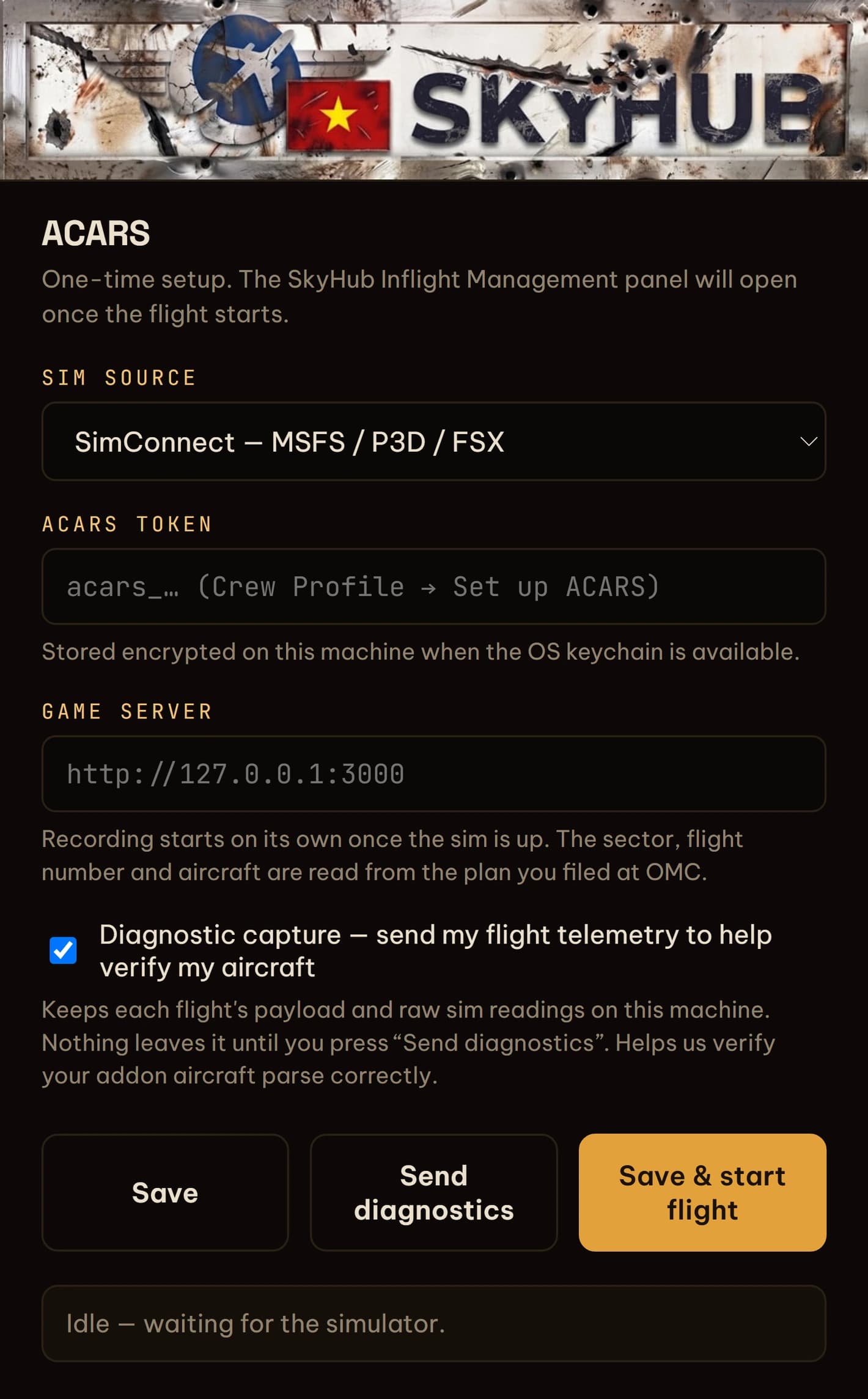
The SkyHub Companion App, set up and waiting for the sim
A flight report — flight score, technique and passenger comfort scored against the recorded trackLIGHTDARK

Drag the seam — the whole airline is built twice, and both are yours.

THE CREW PORTAL

A roster, drawn for you, with a deadline

Posted to a Vietnamese crew base and issued a month of duties — around fifty block hours of them, locked. Seniority decides how much of the good flying lands on your sheet. Flight plans come with it: routing, winds aloft, fuel and weights, the navlog and the ATC strip, with no second subscription and no AIRAC cycle to keep current. Sector pay lands as you fly it.
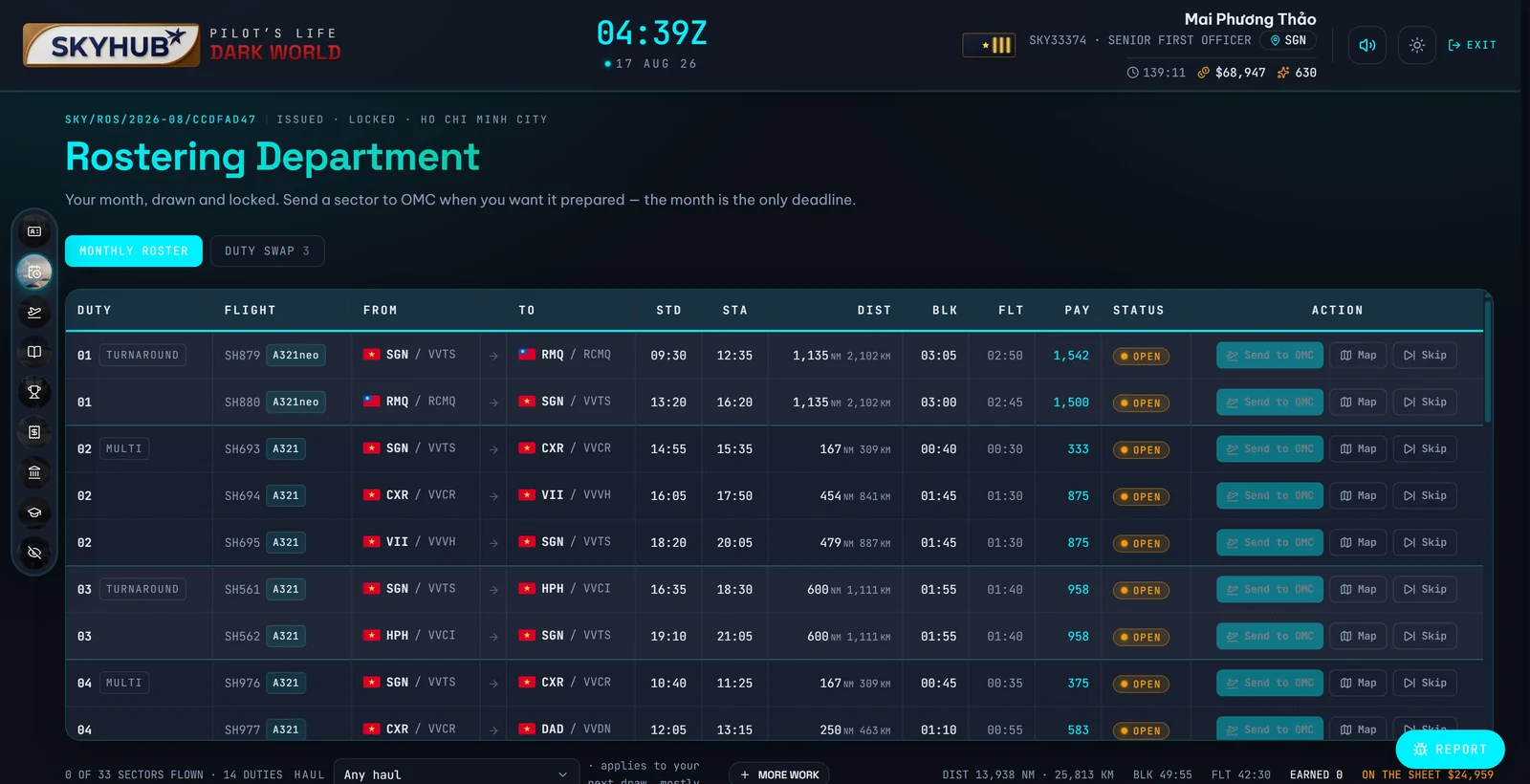
The Rostering Department — a monthly roster of duties, sectors, block times and payLIGHTDARK