


DISPATCH
What is actually in an operational flight plan
An OFP is not a route string. Here is what the document contains, why each part of it exists, and how SkyHub fits alongside SimBrief rather than against it.
Most people arrive in flight simulation knowing that a flight plan is "the route you type into the box". The document a real crew is handed at briefing is a good deal more than that, and once you have read one properly it is difficult to go back.
SkyHub builds one for every sector you take off your roster. This is what is on it.
The route, and the message that files it
The routing itself, as filed — and separately, the full ICAO flight plan message, which is the actual formatted strip an ATC system would receive. Those are two different things and the distinction matters: the route is where you are going, and the message is the standardised telegram that says so.
Alongside them: the callsign, the flight number, the aircraft type and the specific registration you have been given, the date, the scheduled off- and on-block times, the cruise level, the cost index, the great-circle distance and the actual route distance. The gap between those last two is the first honest number on the sheet — it tells you how much further than the straight line the airways are making you fly.
The navigation log
The leg-by-leg breakdown: each waypoint, the track, the distance, the expected time and the fuel remaining as you pass it. This is the part of the document that turns a route into a plan you can actually monitor. If you cross a fix eight minutes late and 400 kg light, the nav log is what tells you so, and it tells you while there is still something to be done about it.
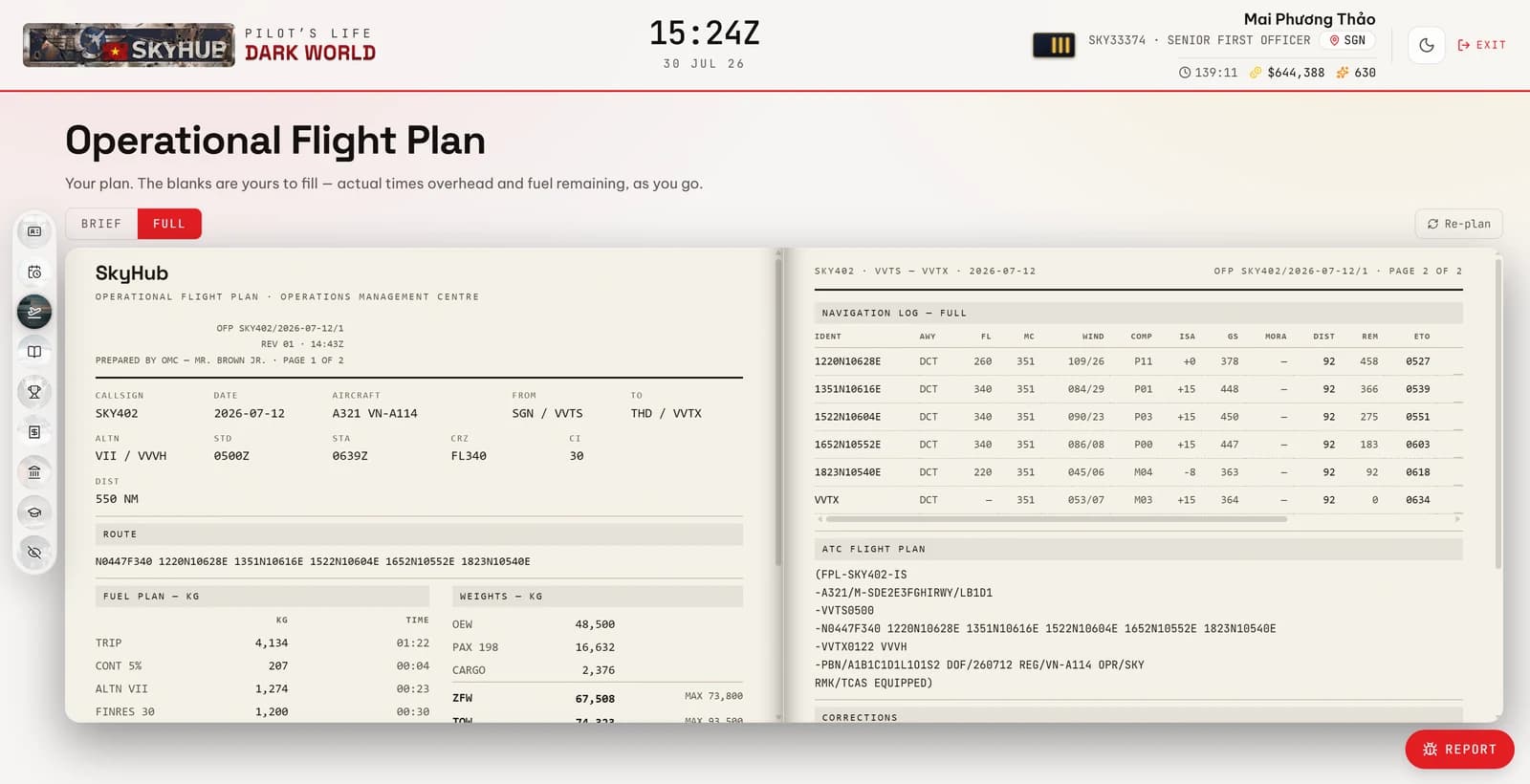
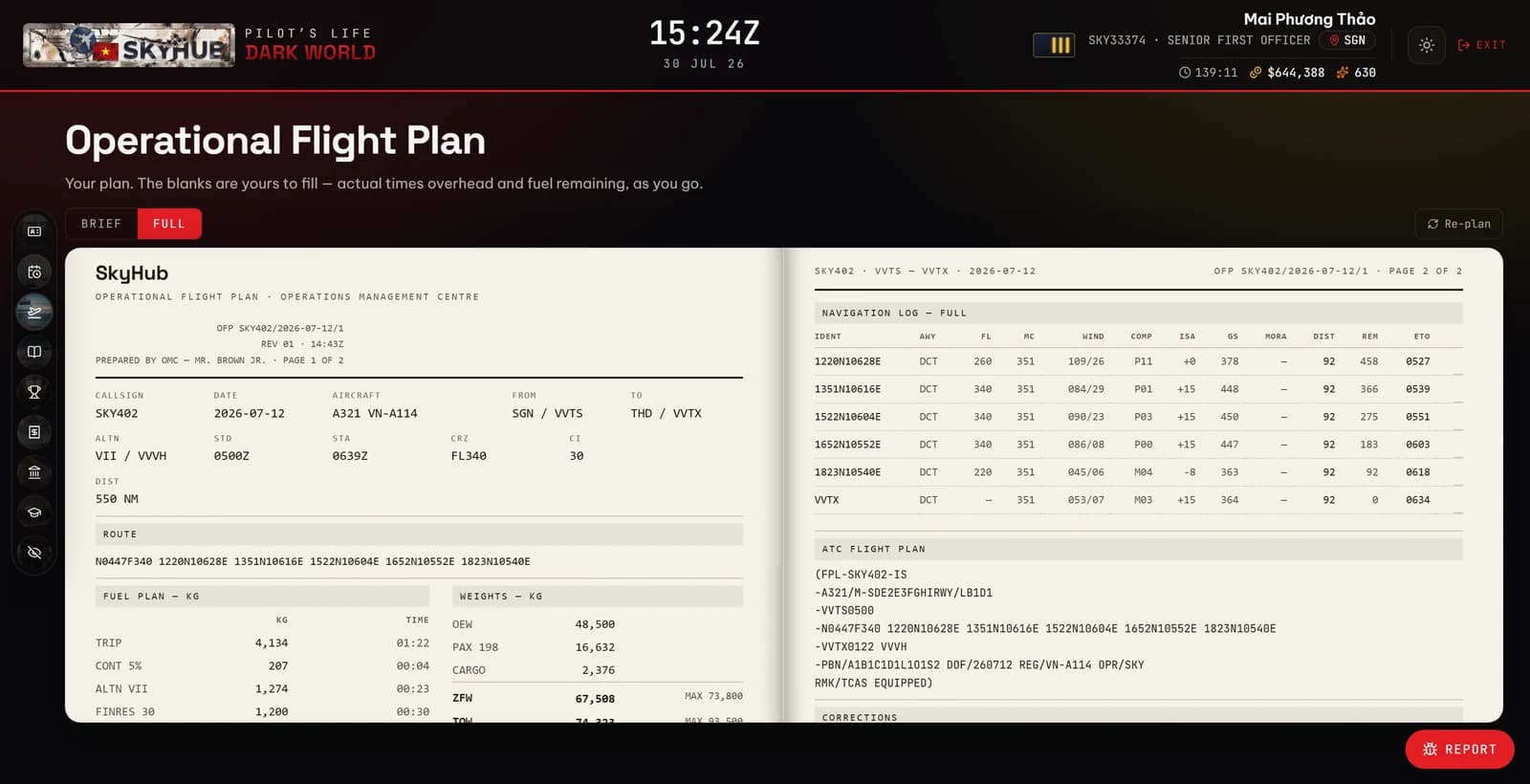
Fuel and weights
The fuel breakdown — trip, contingency, alternate, final reserve, taxi — and the weights: operating empty, payload, zero fuel, ramp, take-off and landing. Every one of these has a limit and the plan is checked against them.
There is also a correction figure most simulator pilots have never seen: what an extra 1,000 kg costs you, in both burn and time. It is the number that makes the tanker-fuel question answerable rather than a matter of superstition. Carrying more fuel is not free, and the sheet tells you exactly what it costs on this sector, in this aeroplane, today.
The weather it was planned in
Winds aloft are fetched when the plan is built, and the average wind component over the route and the average ISA deviation are printed on it. A negative component is a headwind, and it is the reason the fuel figure is what it is.
Those winds are fetched once and stored with the document. An OFP is a snapshot of a forecast, not a live feed — a plan whose numbers move under the crew while they are flying it is worse than one that is slightly stale. If the winds could not be reached at all, the sheet says so and quotes still-air figures rather than quietly pretending.
The alternate
A diversion field, with the distance to it, chosen from what your base actually connects to plus the departure field itself. For a Vietnamese base the major hubs are added as the diversion fields of last resort; for Almaty or Sydney they are not, because offering Da Nang as an alternate for a sector between two Australian cities is not a plan, it is a decoration.
Where SimBrief comes into it
SimBrief is the tool most of this hobby uses, it is excellent, and SkyHub is not trying to replace it.
If you plan on SimBrief, SkyHub imports your plan — and when it does, the OFP carries what SimBrief gives it: real airways, named fixes and MORA. The sheet marks itself as SimBrief-sourced.
If you do not, SkyHub generates the plan itself and the sheet marks itself as SkyHub-sourced, which in practice means a great circle rather than filed airways. Both are honest about which they are, in the footer, and only one of them is honest about the other.
The reason it works this way: needing a second subscription and a current AIRAC cycle before you can fly your first sector is a real barrier, and plenty of people never get past it. The generated plan is good enough to fly a career on. The imported one is better. You should not have to make that decision before you have flown anything.